Learn how to draw with Wacom
Wacom is known for making pen tablets and displays for creative professionals across industries. But we also make products for beginners, enthusiasts, art students, and creative people of all skill levels!
Every artist has to start somewhere! If you’re learning to draw, we’ve collected a ton of tips, tricks, and tutorials to help you improve your skills. On this page you’ll find tips and tutorials for learning to draw illustrations, comics and manga, and character design, straight from the pros.


Learn how to draw and paint digitally
We’ve got countless tips and tutorials from expert Wacom users to improve your digital sketching, drawing, and painting – whether you’re creating fanart, illustrations, character designs, or anything else!
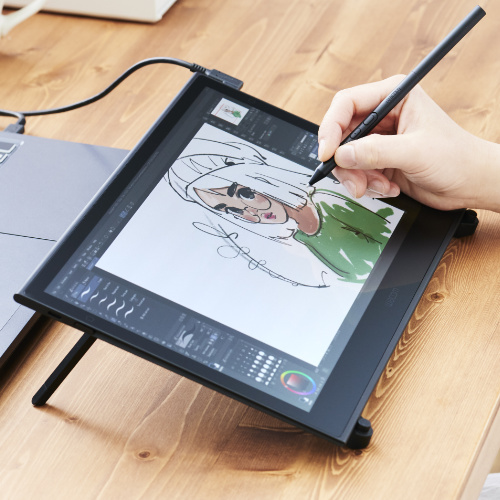
Learn how to draw manga and create comics
We’ve pulled together tutorials from manga, anime, and comics experts so you can learn how to draw your favorite manga and anime characters, or get tips for creating your own comic.
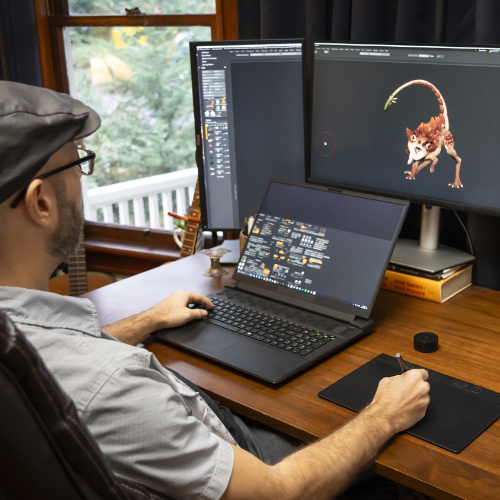
Learn to design characters
Whether you’re creating a comic, video game, animation, or any other kind of story, there are going to be characters. But character design is tricky! We’ve got you covered with tips and tricks from the pros.
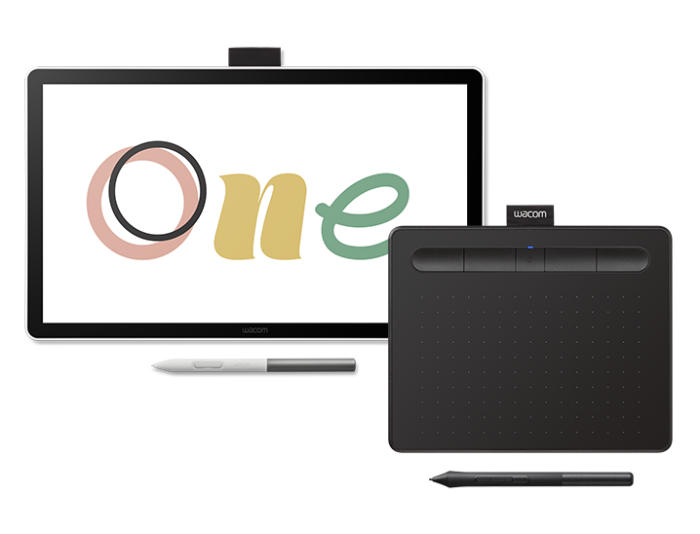
Which Wacom tablet is right for you?
You don’t need a Wacom tablet to make use of most of the tips and tutorials below. But if you’re looking to level up your drawing skills or take the leap into creating digitally, Wacom tablets are trusted by amateurs and professionals across the world for a reason. If you’re not sure where to start, we’ll help you decide which device is right for you!
Learn how to draw and paint digitally
From sketching and drawing to digital painting and illustration, discover new techniques, hone your craft, and unleash your artistic potential with comprehensive tips and tutorials from Wacom professionals. The resources below will help you follow your creative journey – and grow your skills with their expert guidance.

Introduction to Trent Kaniuga’s Art Lessons: Drawing and Coloring a Treasure Chest
Welcome to the exciting world of digital art with Trent Kaniuga! In this introduction video, Trent shares his artistic journey and what you can expect from his upcoming lessons.
Trent Kaniuga, a renowned artist known for his work in games like Diablo III, World of Warcraft, and League of Legends, is here to guide you through the fundamentals of perspective drawing and coloring.
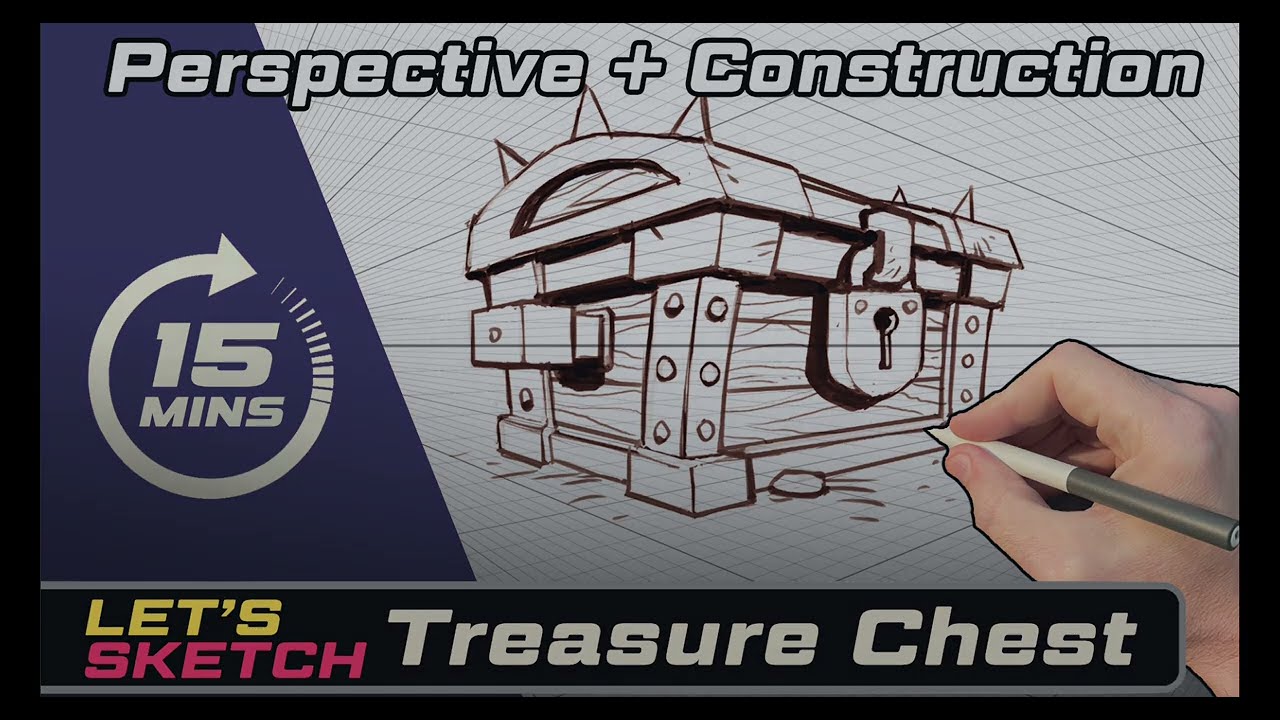
Lesson 1: Drawing a Treasure Chest – Construction and Perspective
In this first lesson, we explore the art of drawing a captivating treasure chest using construction and perspective techniques. We begin with basic shapes and lines to create the chest, gradually adding depth and dimension through perspective, resulting in a realistic, three-dimensional representation. Upon completion, you’ll have a beautifully drawn treasure chest and fundamental skills for future art projects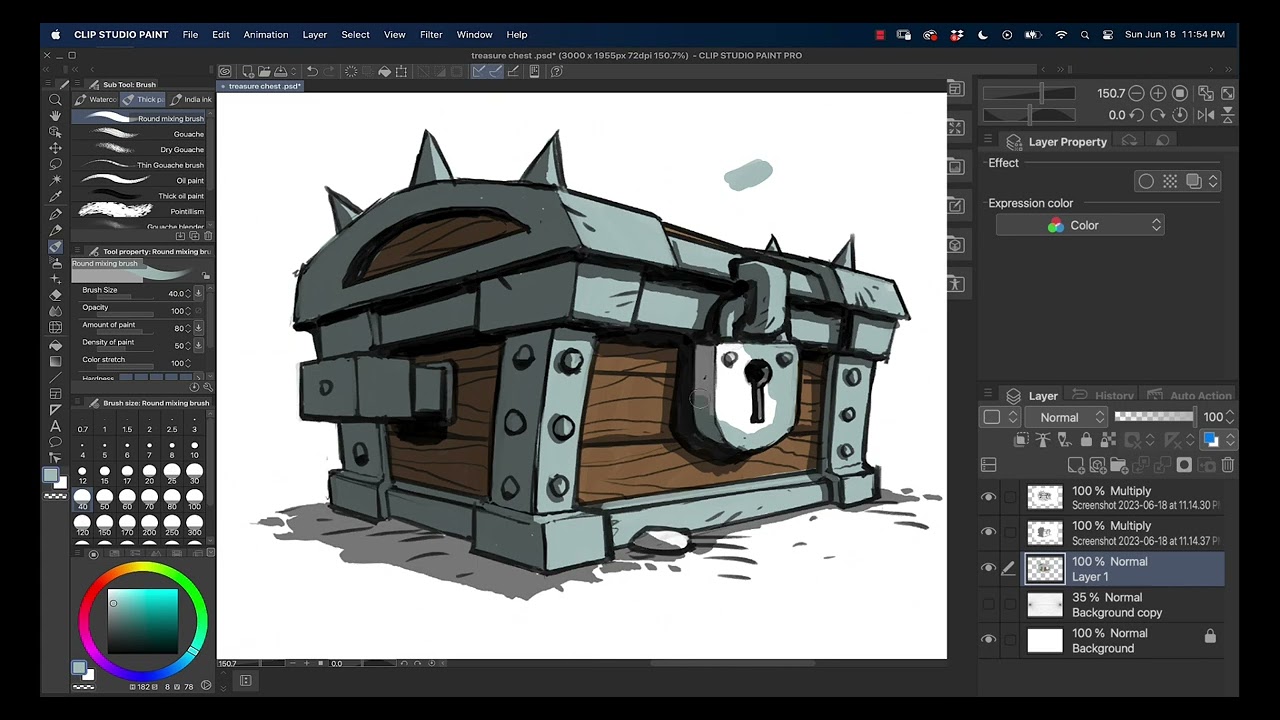
Lesson 2: Coloring and Lighting a Treasure Chest
In Lesson 2, we delve into the vibrant world of color and light. We’ll apply these elements to our treasure chest drawing, explore color theory, and also study light and shadow.
By the end of this lesson, your treasure chest will not only have form and perspective, but also color and light, transforming it from a monochrome sketch into a lively, colorful artwork that pops off the page.
Thinking about a creative career?
If you’re curious about turning your passion for art into a creative career, we’ve got you. We’ve interviewed dozens of professional artists about their careers, from freelancers to studio professionals, and have collected advice and inspiration from them, including their thoughts on art school, work/life balance, and much more.

Learn how to draw anime, manga, and comics
Learn to draw your favorite characters from comics and anime – or design and develop your own comic strip, manga series, or webtoon. In this section, you’ll discover new techniques and methods to transform your artistic concepts and ideas into compelling visual narratives and bring your ideas to life.
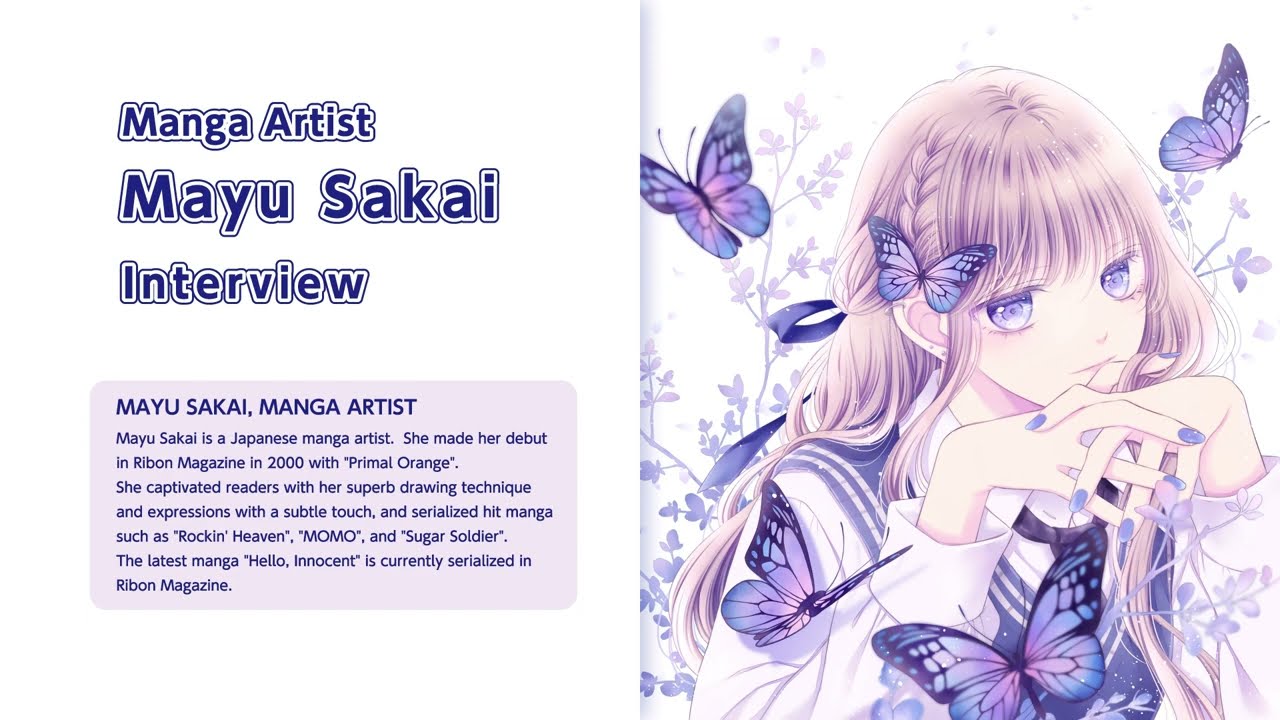
Introduction to manga artist Mayu Sakai’s manga lessons
Wacom interviewed Japanese manga artist Mayu Sakai about her path to becoming a professional manga artist, what she values in creating her work, and the benefits of making manga digitally.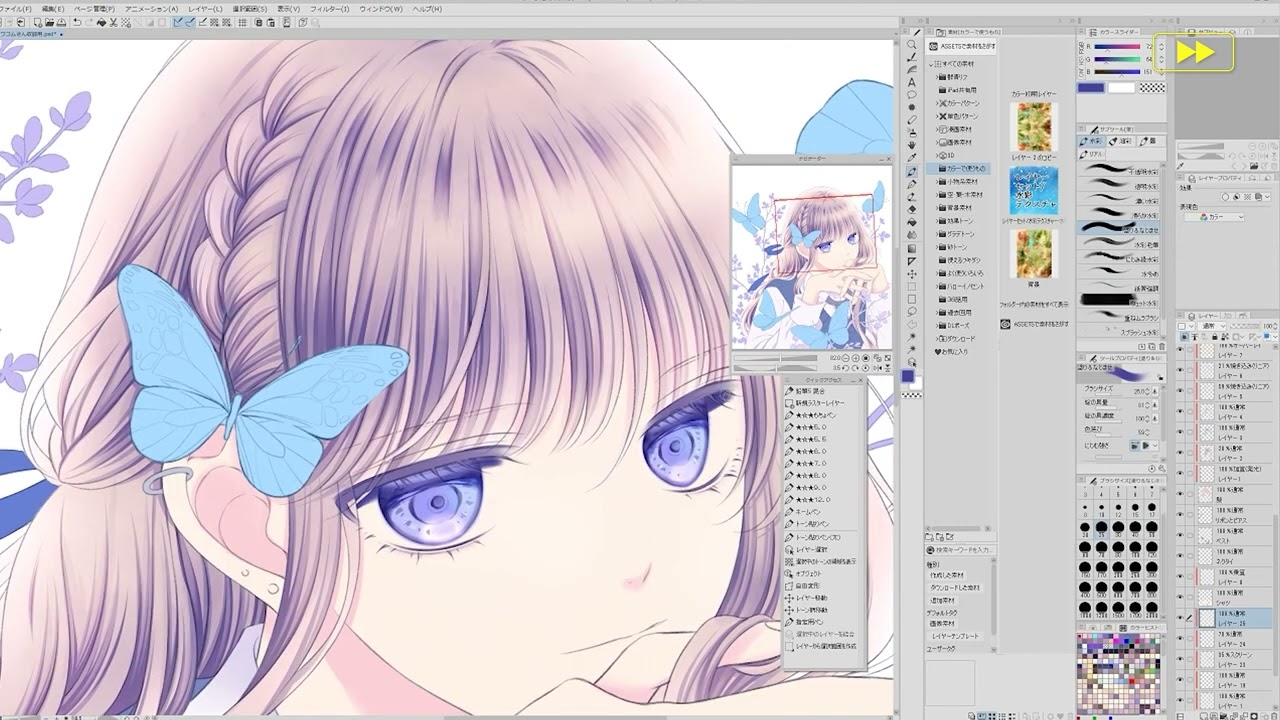
Lesson 1: How to color vibrant eyes with manga artist Mayu Sakai
Learn how to color in Japanese girls’ manga style. Manga artist Mayu Sakai shows her step-by-step process for coloring cute shining eyes to get that vibrant finishing touch.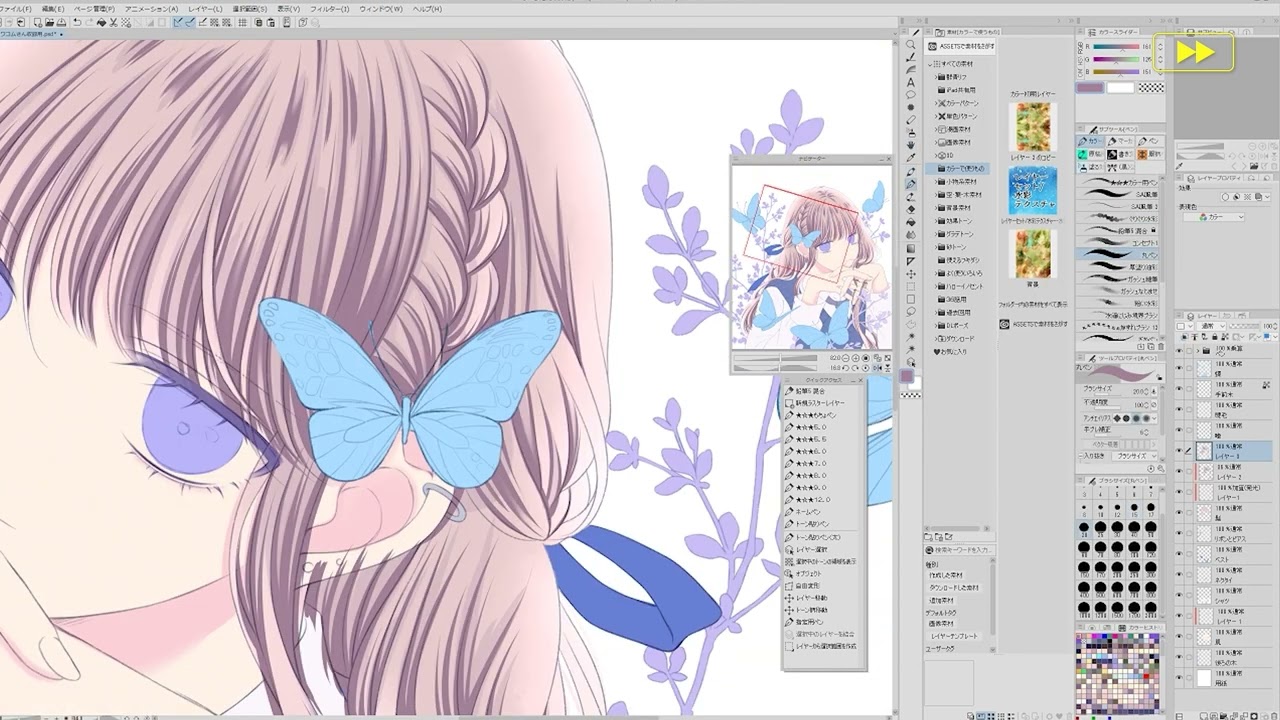
Wacom’s commitment to sustainability
Wacom continues to prioritize creating a more sustainable future and reducing our environmental impact. Our commitment to using sustainable materials in our products and packaging makes the products and their transportation more eco-friendly.

Learn to design and draw fanart and original characters
Learn to create and design your own original characters, whether you’re creating a video game, drawing a comic, making alternate versions of your favorite characters, designing character sheets for a Dungeons & Dragons campaign, or just exercising your creativity!
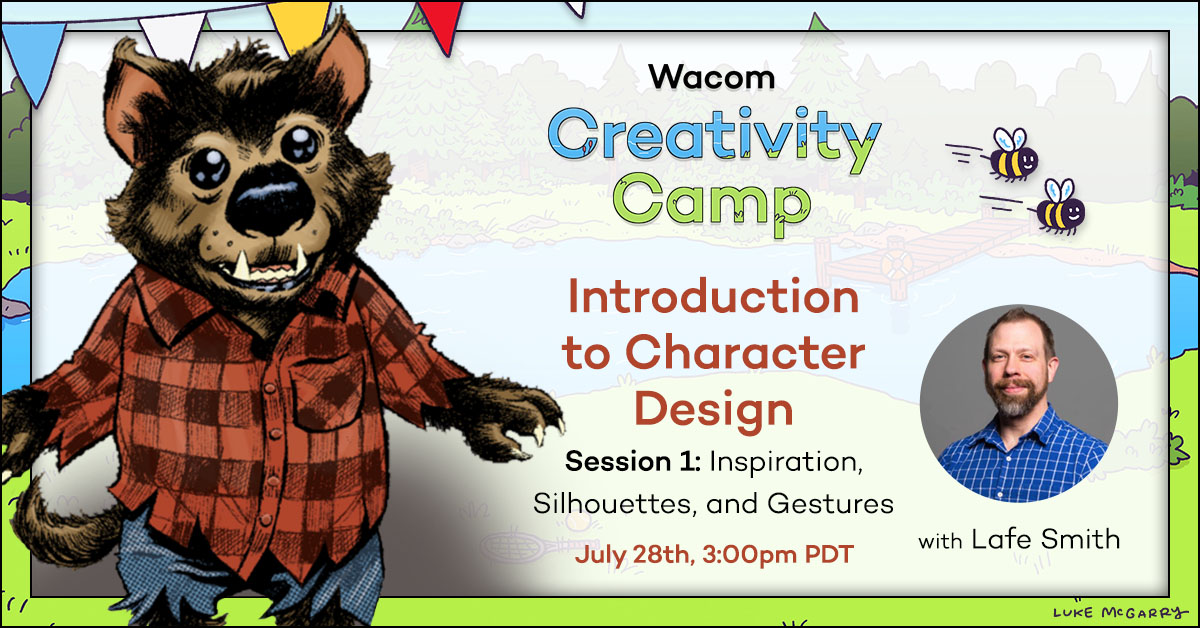
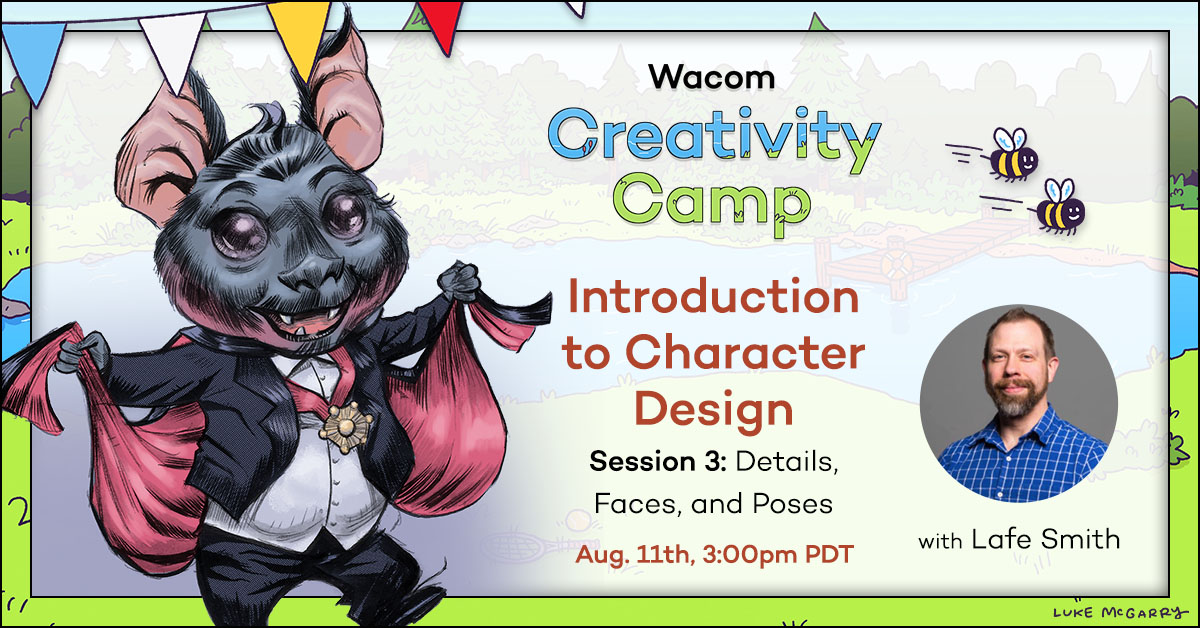
Creativity Camp 2025: Session 1
This is a recording of Session 1 of Creativity Camp 2025, a Character Design workshop series hosted by artist Lafe Smith. Session 1 covers the basics of character design, including inspiration, silhouettes, and gesture drawings.
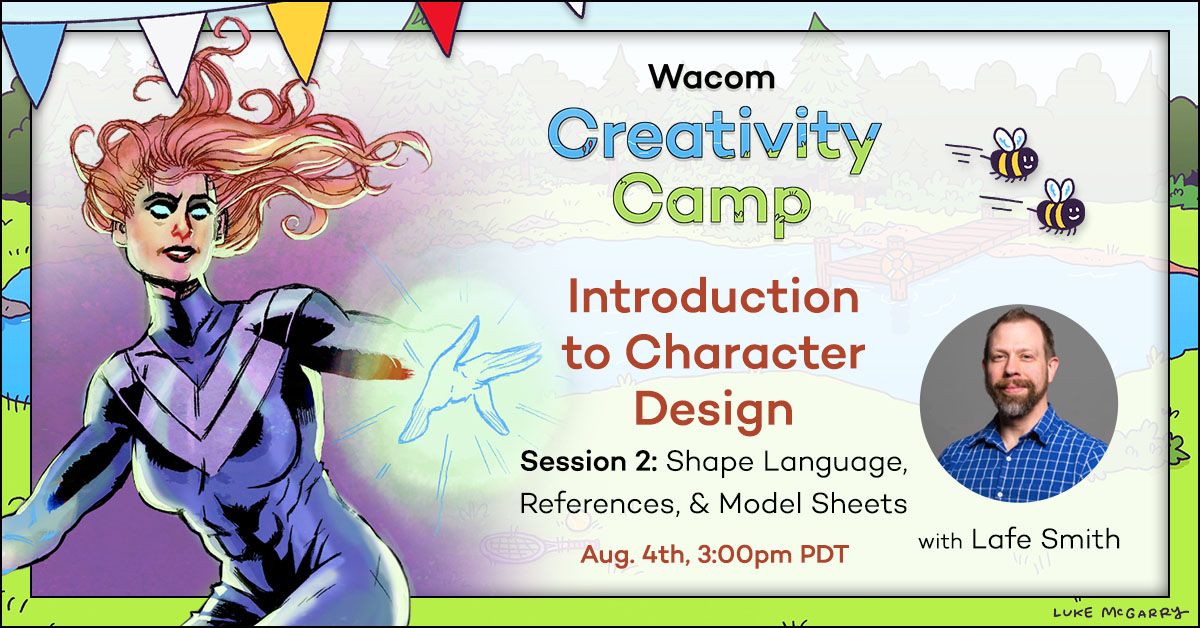
Creativity Camp 2025: Session 2
This is a recording of Session 2 of Creativity Camp 2025, a Character Design workshop series hosted by artist Lafe Smith. Session 2 builds on session 1 and covers shape language, using references, and the basics of character model sheets.