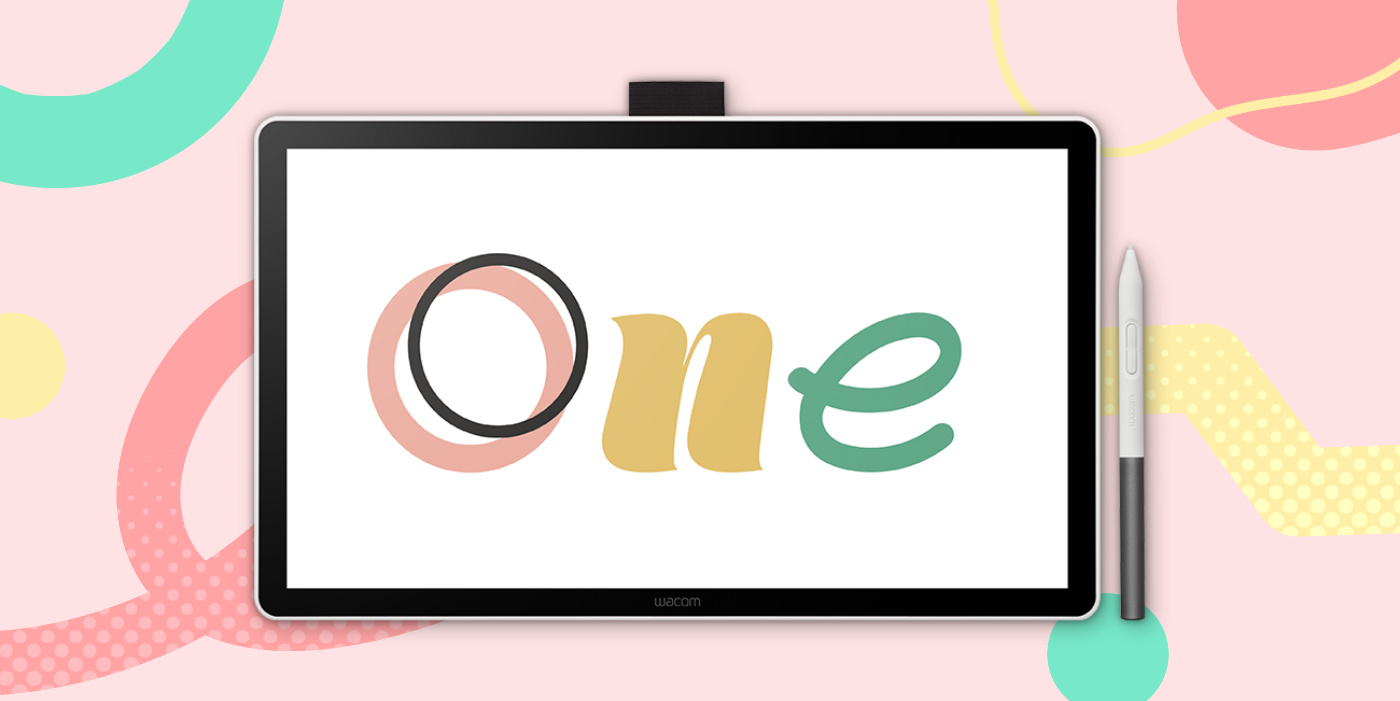
Start your digital adventure with the all-new Wacom One. Ideal for aspiring artists, hobbyists, and visual thinkers looking to go digital or make the transition to a creative pen display, with the Wacom One you can draw, sketch, edit photos, annotate, or discover your creative passion. It features a 14″ anti-glare, anti-fingerprint, direct-bonded screen that provides a natural, paper-like drawing experience. Plus, the larger but more efficient design gives you plenty of space to draw, sketch, annotate, or edit photos, but in a slim, sleek form factor.
It comes with the Wacom One pen, which features Wacom’s leading pen technology in an easy-to-use format: it’s lightweight, easy to grip for long drawing sessions, and battery-free.
The simple one-cable USB-C connection ensures easy setup with minimal clutter, making it ideal for small desks or mobile use. The Wacom One is the ideal choice for anyone looking for their first pen-on-screen experience. Just connect your Wacom One to your PC, Mac, or Chromebook device and you’re ready to go!*
*Driver download required for Windows and MacOS.
Larger active area for larger ideas
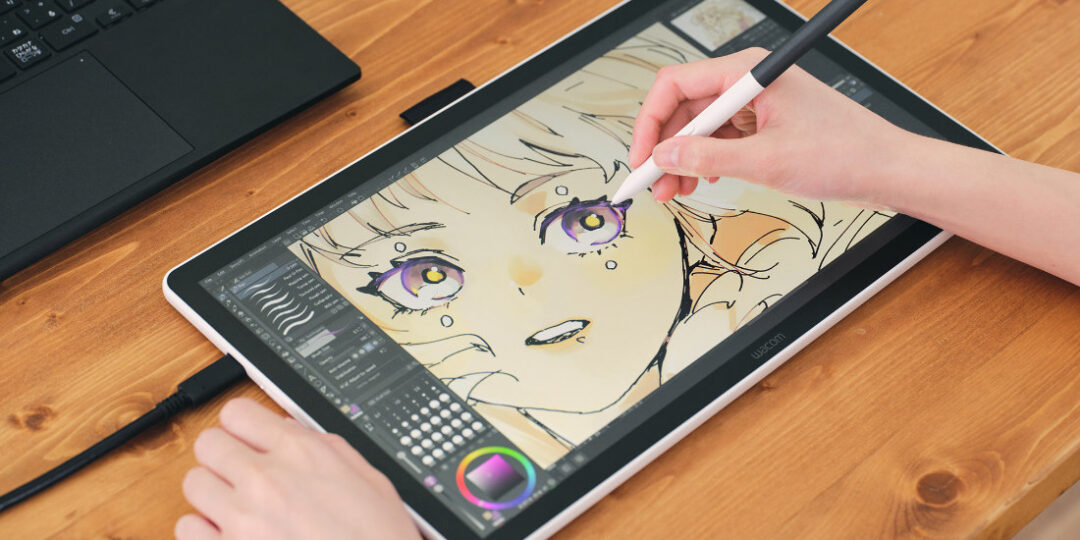
The redesigned Wacom One features a spacious, Full HD, 14” screen, perfect for digital art, annotation, and photo editing. Its direct-bonded display reduces parallax for accurate pen placement, anti-glare and anti-fingerprint coating reduces distraction, and etched glass gives you a natural, paper-like drawing feel.
It’s bright, with deep blacks and 98% sRGB coverage, for brilliant and accurate colors. And though the screen is larger than previous models, the bezel is much thinner so it’s more space-efficient. Overall it’s thinner and lighter than previous models too, for Wacom’s most portable, affordable, entry-level pen display.

Never put your pen down
With the Wacom One pen there is no need for charging or batteries. It delivers exceptional accuracy with 4,096 levels of pressure sensitivity. Experience minimal parallax, virtually no lag, and natural tilt recognition for excellent pen accuracy, all backed by over 40 years of Wacom expertise. The pen also includes two programmable pen buttons for your favorite shortcuts.
Wacom One pens come in a variety of color combinations, so you can customize yours to fit your style – but Wacom One is also compatible with third-party pens from trusted brands like STAEDTLER, LAMY, and Dr. Grip, giving you more ways to create with comfort and precision.
Simple, one-cable connectivity
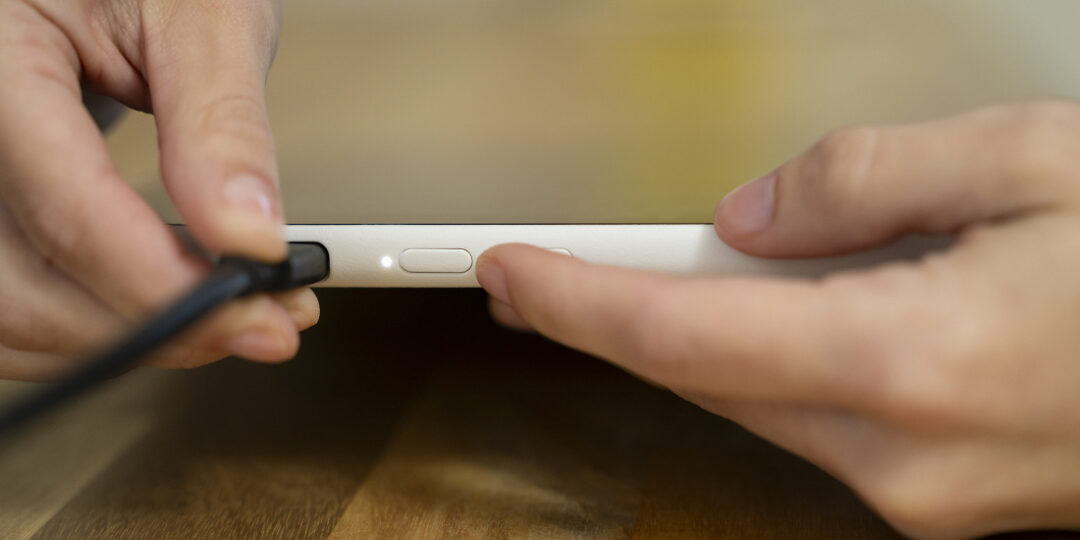
Connect the Wacom One to your laptop or PC with a single USB-C cable.* Keep your working area free from clutter or messy cables so you can focus on what matters most. The single-cable connection is ideal for smaller workspaces or mobile users. The USB-C cable provides power, video and data – so you can slip the Wacom One in your backpack, right next to your laptop.
*Thunderbolt port (x3 or later) or Display Port alt-mode support required. Adapter for PCs without DP Alt-Mode must use the Wacom Converter (sold separately).
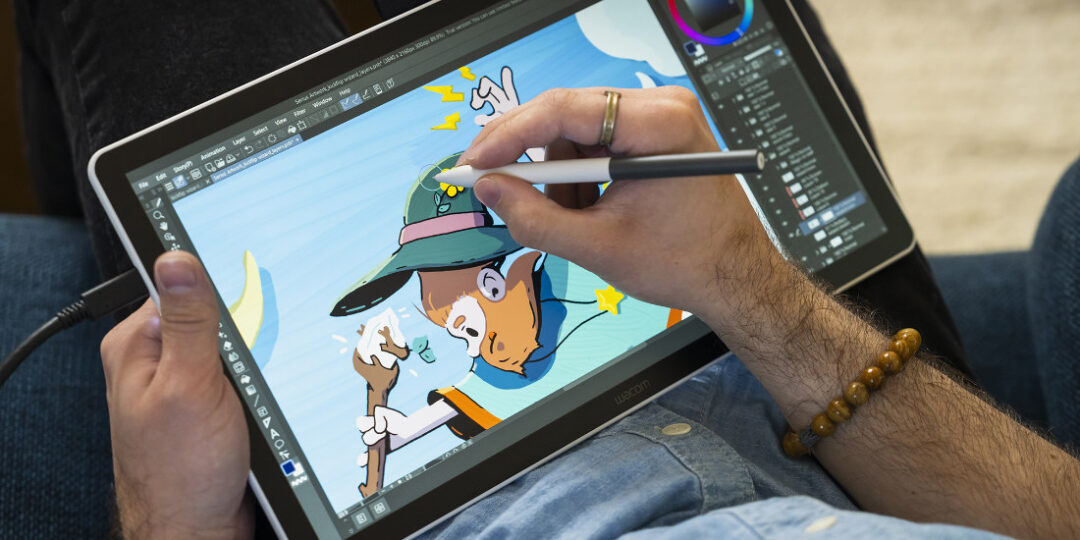
Start drawing immediately with bundled software
Not sure where to start, software-wise, or want to level up your skills? The Wacom One pen display comes with a bundle of creative software trials, like Clip Studio Paint Pro and Magma Blaze, as well as a trial subscription to Skillshare.
Just register your device* to redeem your free software trial offers and start creating immediately.
*Wacom ID required.
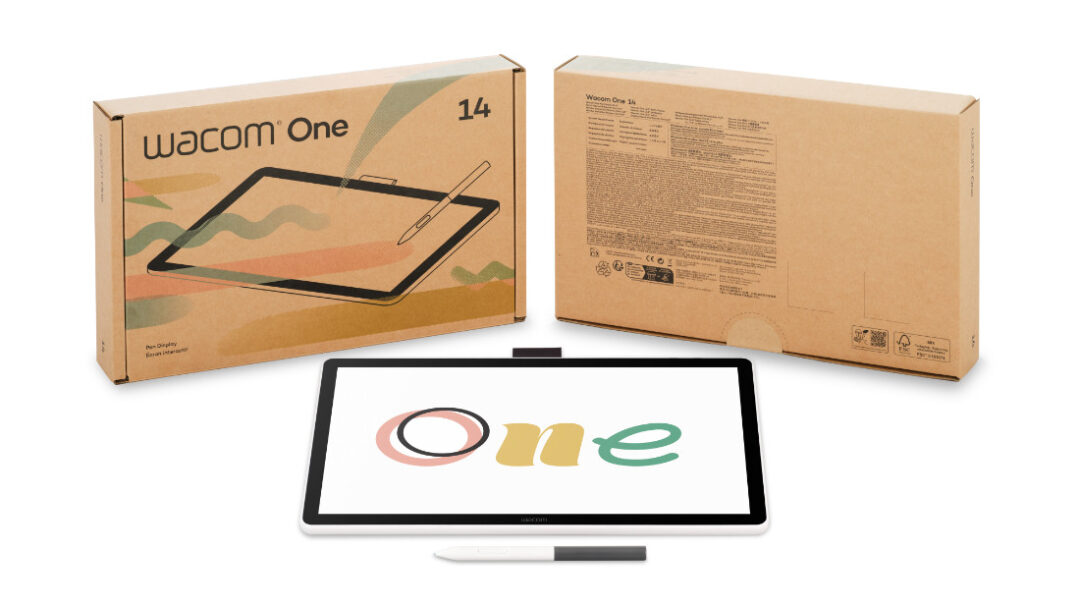
Sustainable packaging and design
The new Wacom One continues Wacom’s commitment to environmental sustainability. It prioritizes the use of sustainable materials in the product and packaging – for example, we’ve eliminated all petroleum-derived plastics and shifted to 97% PSC-certified paper for our printed materials.
Learn more about Wacom’s commitment to sustainability >
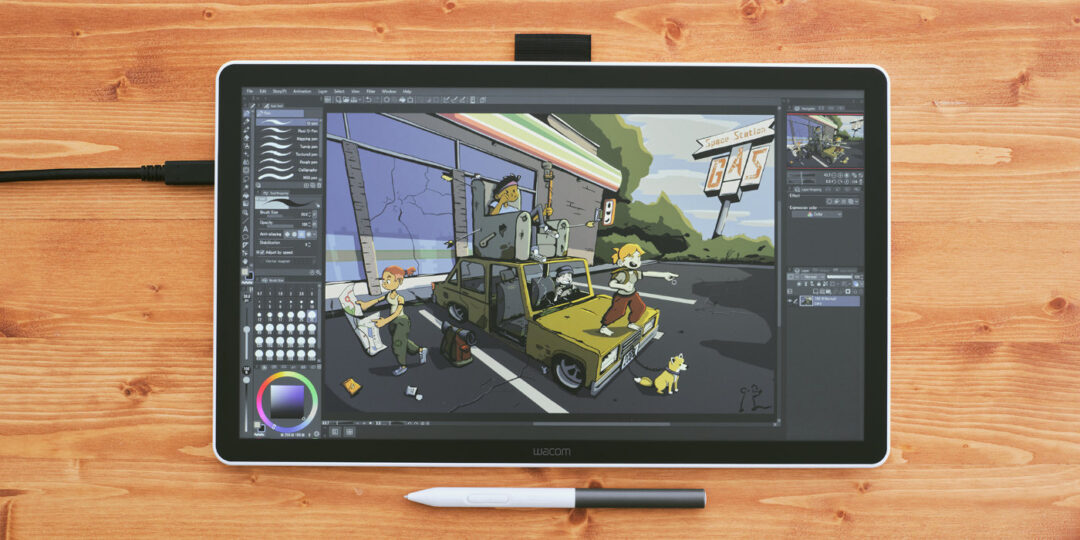
Ready to buy, or want to learn more?
Click here to learn more about the Wacom One 14 creative pen display. Click here if you’re ready to purchase!